



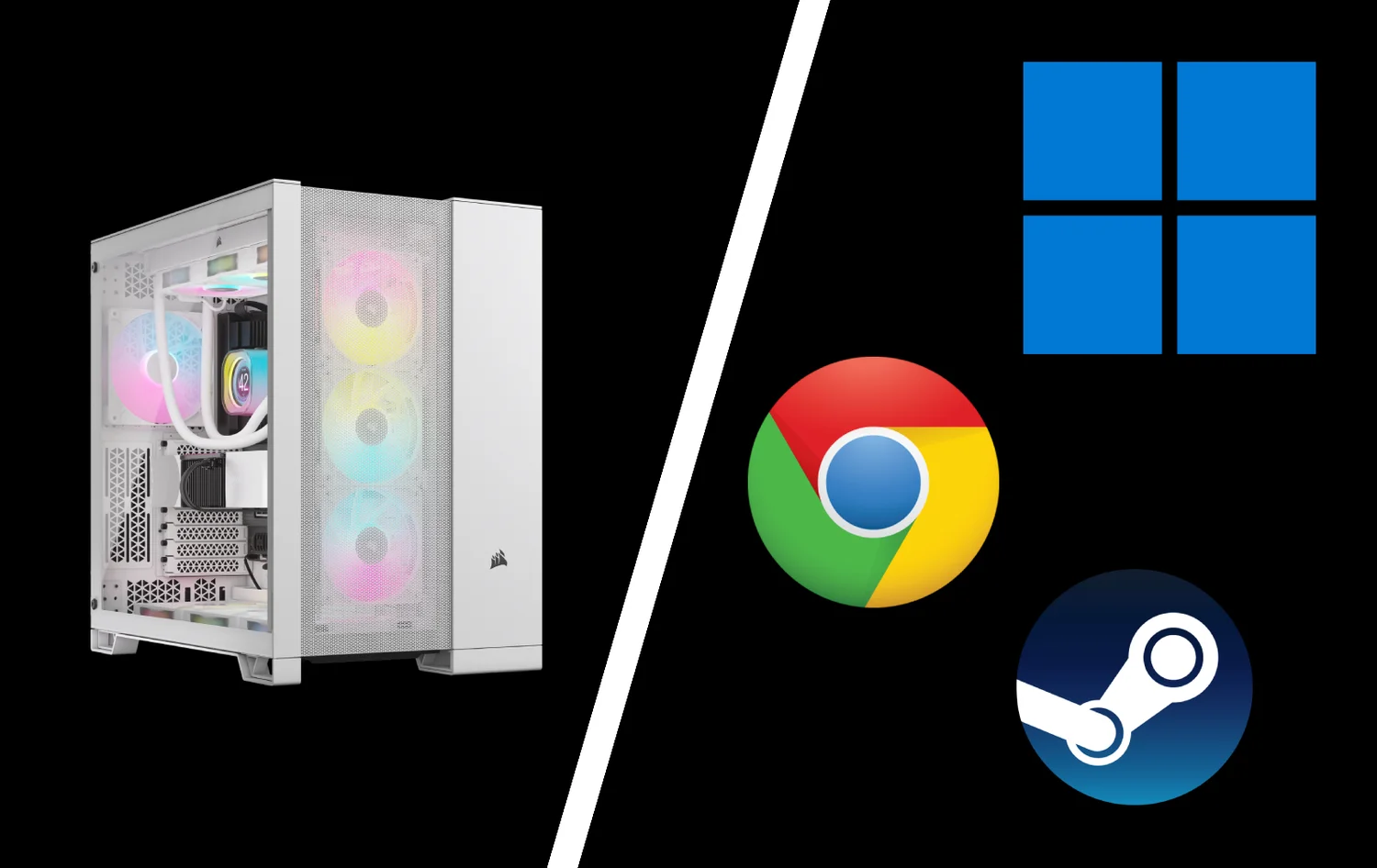
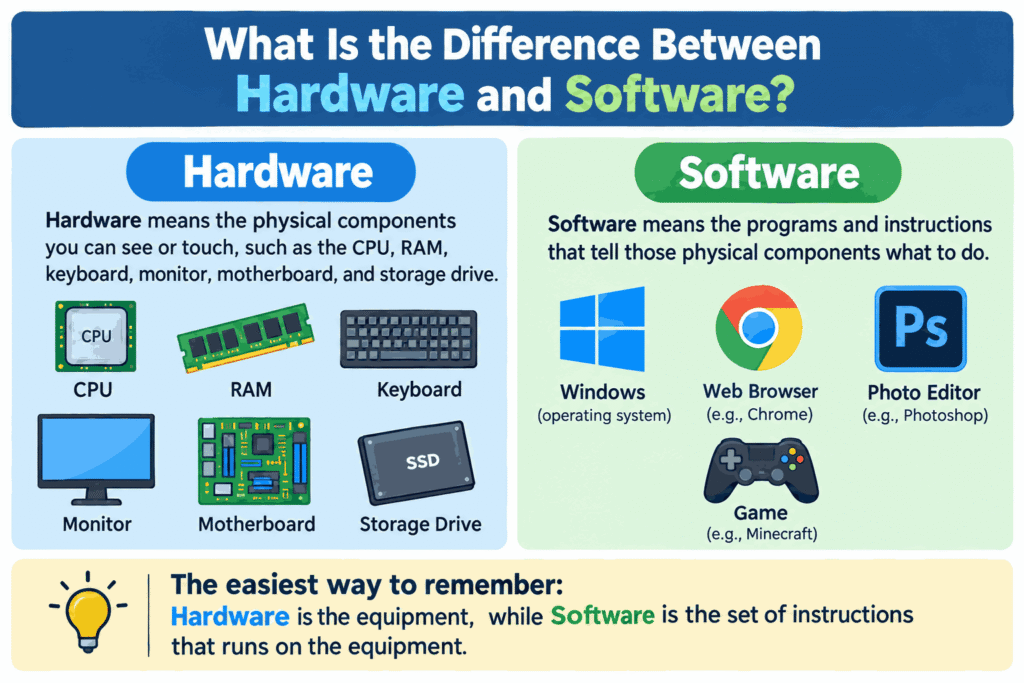
Hardware and software are the two basic parts of a computer system. Hardware means the physical components you can see or touch, such as the CPU, RAM, keyboard, monitor, motherboard, and storage drive. Software means the programs and instructions that tell those physical components what to do.
The easiest way to remember the difference between hardware and software is this: hardware is the equipment, while software is the set of instructions that runs on the equipment. A laptop is hardware. Windows, a web browser, a photo editor, and a game installed on that laptop are software.
What Is Hardware?
Hardware is any physical component that forms part of a computer or digital device. These components handle input, processing, storage, output, and communication.
Common examples of computer hardware include:
• CPU or processor
• RAM
• Motherboard
• SSD or hard drive
• Graphics card
• Monitor
• Keyboard and mouse
• Printer
• Router and network card
Hardware can wear out, break, overheat, or become outdated. It can also be upgraded by physically replacing or adding components.
Main Types of Hardware
Input Hardware
Input devices allow users or other systems to send information to a computer. Keyboards, mice, scanners, microphones, cameras, and touchscreens are common examples.
Processing Hardware
Processing hardware performs calculations and executes instructions. The CPU is the main processing component in most computers. A GPU handles graphics processing and can also accelerate certain computational workloads.
Storage Hardware
Storage devices keep data for later use. SSDs and hard drives provide long-term storage, while RAM temporarily holds data that active programs need quickly.
Output Hardware
Output devices present information after it has been processed. Monitors, printers, speakers, and projectors are common output devices.
What Is Software?
Software is a collection of programs, data, and instructions that directs computer hardware to perform specific tasks. Unlike hardware, software is not a physical component you can hold.
When you open a browser, edit a spreadsheet, send an email, or play a game, software sends instructions that the hardware processes. The operating system also coordinates resources such as the CPU, memory, storage, and input or output devices.
Main Types of Software
System Software
System software manages the basic operation of a computer. Operating systems such as Windows, macOS, Linux, Android, and iOS are common examples. Device drivers and many system utilities also fall into this category.
Application Software
Application software helps users perform particular tasks. Examples include web browsers, word processors, accounting programs, design tools, video editors, messaging apps, and games.
Programming Software
Programming tools help developers create and test other software. Code editors, compilers, debuggers, integrated development environments, and version-control tools are examples.
Hardware vs Software: Key Differences
The main differences are easy to identify:
• Hardware is physical, while software is digital.
• Hardware performs physical computing operations, while software provides instructions.
• Hardware can suffer physical damage, while software can become corrupted, buggy, incompatible, or infected with malicious code.
• Hardware upgrades normally require adding or replacing components. Software upgrades usually involve installing a newer version or update.
• Hardware cannot perform useful computing tasks without software instructions. Software cannot run without compatible hardware.
Read More: Application Mobile DualMedia: Services, Process & Costs
How Hardware and Software Work Together
Hardware and software depend on each other. A computer with powerful components is not very useful without an operating system and applications. Software also cannot operate without a processor, memory, storage, and other required hardware.
Consider opening a photo in an editing application. The software tells the operating system what resources it needs. The CPU processes instructions, RAM holds active data, the storage device provides the image file, the GPU may render visual changes, and the monitor displays the result.
This relationship happens continuously, often without the user noticing it.
A Simple Hardware and Software Example
Think about a smartphone.
The screen, battery, processor, cameras, speakers, microphones, memory chips, and physical buttons are hardware. The mobile operating system, camera app, messaging app, browser, and other installed applications are software.
When you take a photo, the camera hardware captures light, while software controls settings, processes the image, saves the file, and displays it on the screen.
Can Hardware Work Without Software?
Most modern computer hardware needs software or firmware to perform useful tasks. A processor can execute machine instructions, but users need system software and applications to turn the device into a practical computer.
Some simple electronic devices can perform fixed functions with firmware embedded into the hardware. Even in those cases, instructions are still involved.
Can Software Work Without Hardware?
No. Software needs physical computing resources somewhere. Even cloud software runs on servers in data centers. A user may not own or see that hardware, but processors, memory, storage, networking equipment, and power systems are still required.
Which Is More Important, Hardware or Software?
Neither is universally more important. The right balance depends on the task.
A gaming computer needs capable hardware and optimized software. A business workstation may need reliable storage, enough memory, a secure operating system, and specialized applications. A server may prioritize processing power, memory, networking, redundancy, and server software.
Buying expensive hardware does not guarantee good performance if the software is poorly optimized. Likewise, advanced software may run slowly if the hardware does not meet its requirements.
How to Tell Whether a Computer Problem Is Hardware or Software
Use this quick checklist:
• If the computer does not power on, check power and hardware first.
• If a specific app crashes but the rest of the computer works, investigate the software.
• If the system overheats or shuts down under load, inspect cooling and hardware.
• If problems started immediately after an update, check software, drivers, and compatibility.
• If a storage drive makes unusual physical noises, back up data and investigate the hardware.
• If multiple programs fail in similar ways, check the operating system, memory, storage, and drivers.
• If a peripheral is not detected, check its cable, port, driver, and device settings.
Frequently Asked Questions
What is the basic difference between hardware and software?
Hardware is the physical equipment in a computer system. Software is the collection of programs and instructions that tells the hardware how to perform tasks.
Is a CPU hardware or software?
A CPU is hardware. It is a physical processor that executes instructions supplied by software.
Is Windows hardware or software?
Windows is software. More specifically, it is an operating system that manages computer hardware and provides a platform for applications.
Is RAM hardware or software?
RAM is hardware. It is physical memory used to hold data that the computer needs while programs are running.
Is a keyboard hardware or software?
A keyboard is hardware. The driver that helps the operating system communicate with the keyboard is software.
Is an app hardware or software?
An app is software. It contains code and instructions that run on compatible hardware through an operating system.
Final Summary
The difference between hardware and software comes down to physical components versus digital instructions. Hardware includes the processor, memory, storage, screen, keyboard, and other tangible parts of a system. Software includes operating systems, applications, utilities, and programs.
They are separate categories, but modern computing depends on both. Hardware provides the resources, while software tells those resources how to perform useful work.
