



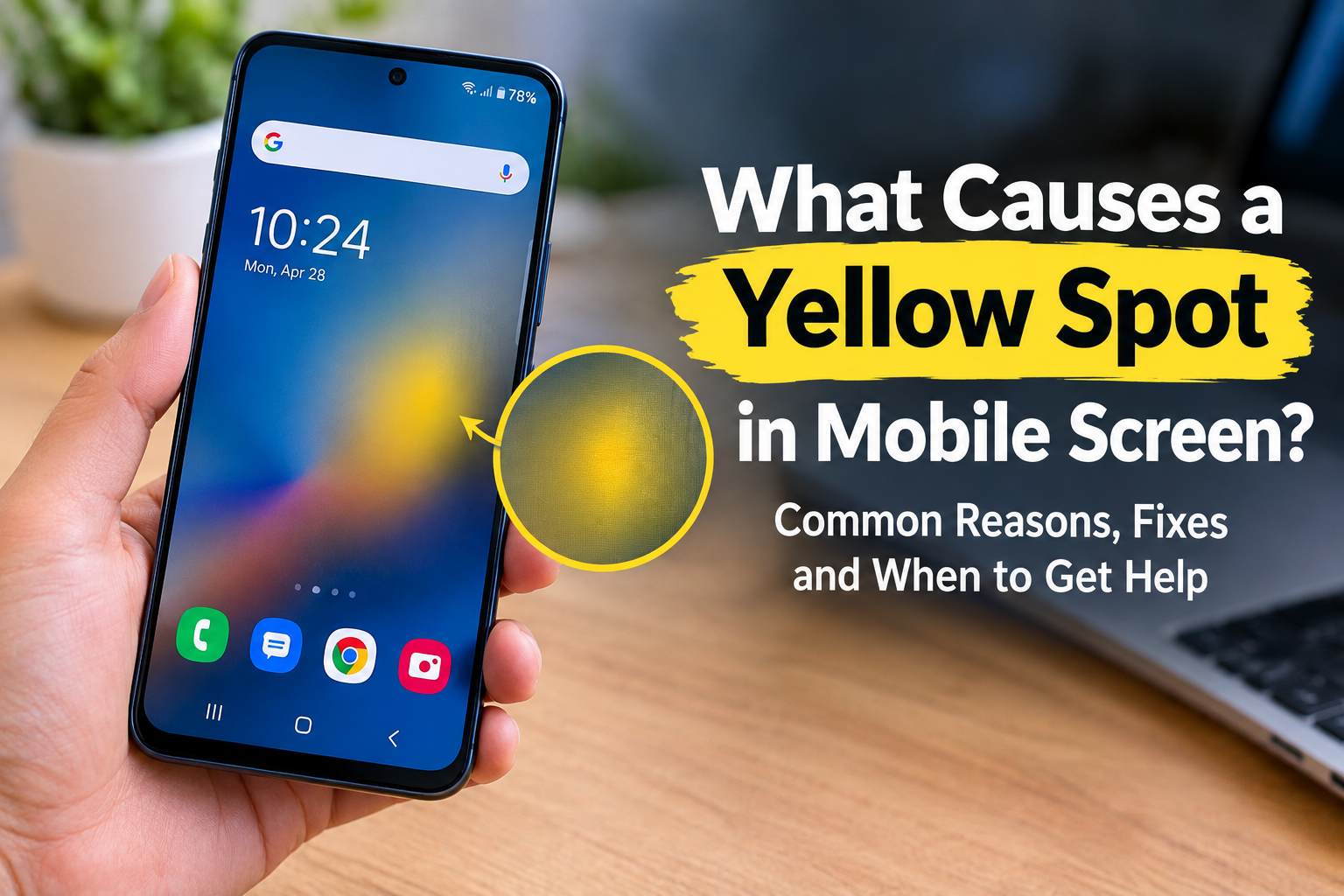
A yellow spot on a phone screen can be annoying, especially when it suddenly appears without an obvious crack or drop. The good news is that a yellow patch does not always mean the entire phone is failing.
The first thing to determine is whether you are seeing a small fixed yellow spot or a yellow tint across the entire display. A whole-screen color change can sometimes be related to display settings, while a localized spot that stays in the same physical position is more likely to be a hardware or display-layer issue.
What Causes a Yellow Spot in Mobile Screen?
Several problems can produce yellow or amber discoloration. The exact cause depends on the phone’s display technology, the location of the spot, and what happened before it appeared.
1. Excessive Heat
Heat is one possible cause of localized screen discoloration.
Phones can become hot during demanding gaming, extended video recording, navigation, fast charging, or exposure to direct sunlight. Repeated exposure to excessive heat can affect display components and materials inside the screen assembly.
A phone left on a hot dashboard or used heavily while charging can be exposed to considerably more heat than it experiences during normal use.
If the yellow area appeared after the phone became unusually hot, let the device return to normal room temperature naturally. Do not try to cool it with ice or other extreme methods.
2. Pressure or Physical Damage
A yellow spot can also appear after pressure is applied to the display.
For example, a phone may experience pressure from:
- Sitting on it
- Carrying it in a tight pocket
- Dropping it
- Bending the frame
- Something pressing against the screen inside a bag
- Improper installation after a repair
Display layers are delicate, and damage does not always produce a visible crack in the outer glass.
Samsung’s support guidance also notes that internal display damage can sometimes appear as colored or ink-like areas even when the front glass remains intact.
3. Display Layer or Adhesive Damage
A phone screen contains multiple layers rather than being a single piece of glass.
Depending on the display design, damage or discoloration can involve optical layers, adhesives, pixels, or other components within the display assembly.
On some LCD screens, heat or physical stress can affect the layers responsible for distributing light evenly. This can produce an unusual colored patch.
If the spot remains in exactly the same location regardless of what appears on the screen, a physical display problem becomes more likely.
4. OLED or AMOLED Display Damage
Many modern smartphones use OLED or AMOLED technology.
Unlike LCD displays, OLED screens do not use a conventional backlight. Individual pixels produce their own light, and damage or uneven aging can cause changes in color or brightness.
However, it is important not to automatically call every yellow spot burn-in. A yellow patch can have several possible causes, including physical damage, heat, pressure, panel defects, or other display problems.
5. Liquid or Moisture Damage
Liquid exposure can cause display problems even when the phone does not immediately stop working.
If the yellow spot appeared after the phone was exposed to water, rain, spilled drinks, humidity, or another liquid, the display and internal components should be inspected.
For example, Apple states that liquid damage can affect iPhones and that liquid exposure is not covered by its standard one-year limited warranty. Apple also recommends avoiding charging a device that has been exposed to liquid until it is completely dry.
Do not assume that a water-resistant phone is immune to liquid-related problems. Water resistance can decrease with normal wear and does not guarantee protection in every situation.
Read More: What Is the Difference Between Hardware and Software?
How to Tell What Is Causing the Yellow Spot
Before paying for a screen replacement, perform a few simple checks.
Check Whether the Whole Screen Is Yellow
Open a plain white image or webpage.
If the entire display has a warmer or yellow appearance, check your phone’s display settings. Features such as blue-light filters, night modes, or color adjustments can change the overall appearance of the screen.
If only one area remains yellow while everything else looks normal, a hardware-related problem becomes more likely.
Restart the Phone
Restarting the device is a simple first step.
If the yellow appearance disappears after restarting, a temporary software or display-rendering problem may have been involved.
If the same spot remains in exactly the same physical location, software is less likely to be the cause.
Check Different Background Colors
Look at the screen using white, gray, black, red, green, and blue backgrounds.
Pay attention to whether the yellow area:
- Stays in exactly the same place
- Changes size
- Becomes more noticeable on white
- Appears across different apps
- Disappears when the display is turned off
A fixed spot that remains visible across different content is more consistent with a physical display issue.
Take a Screenshot
This is another useful test.
Take a screenshot and view it on another phone, tablet, or computer.
If the yellow spot appears in the screenshot itself, the problem could involve software or the image being displayed.
If the screenshot looks completely normal on another device while the physical phone still has a yellow spot, the problem is more likely related to the phone’s physical display.
Can a Yellow Spot on a Phone Screen Be Fixed?
That depends on the cause.
If the problem is caused by a display setting, changing the relevant setting may solve it immediately.
If the problem is caused by a damaged display layer, pressure, heat damage, or a defective panel, software generally cannot repair the physical damage.
In many cases, the practical solution is professional display inspection and, if necessary, screen replacement.
A recently replaced screen deserves special attention. If the yellow spot appeared immediately after a repair, return to the repair shop before opening the phone yourself. The replacement panel, installation pressure, adhesive, or another part of the repair may need to be checked.
What You Should Not Do
You may find online advice suggesting that you can remove a yellow screen spot by applying heat, pressing the affected area, or using a display-fixing app.
These approaches can make the situation worse.
Avoid:
- Pressing or massaging the yellow spot
- Using a hair dryer or heat gun
- Putting the phone in a freezer
- Applying glue or chemicals
- Puncturing the phone
- Squeezing a swollen device
- Opening the phone without the proper tools and knowledge
- Continuing to expose an overheating phone to high temperatures
Heat and pressure can cause additional damage to the display. If the screen is lifting away from the frame, the issue could also involve battery swelling, which requires professional attention.
When Should You Replace the Screen?
A small yellow spot does not always mean you need an immediate replacement.
If the phone works normally and the spot is stable, some owners may choose to continue using it.
However, professional inspection is a better option when:
- The yellow area is getting larger
- The screen develops black, purple, or green areas
- Touch stops working in part of the display
- The phone becomes unusually hot
- The display begins separating from the frame
- The problem appeared after liquid exposure
- The phone was recently repaired
- The spot appeared after a significant drop or impact
If the phone is physically swelling or the display is being pushed outward, stop pressing or charging it and have the device inspected promptly.
Read More: MIS Database Management: What It Is and How It Supports Better Business Decisions
How to Prevent Yellow Spots on Your Phone Screen
You cannot prevent every display defect, but careful use can reduce unnecessary stress on the phone.
Keep the Phone Away From Excessive Heat
Avoid leaving your phone in direct sunlight or a hot vehicle for extended periods.
If the phone becomes unusually hot during demanding tasks, give it time to cool naturally.
Avoid Heavy Use While Charging
Gaming or running demanding applications while charging can increase heat. If your phone is already hot, reducing the workload can help it return to a normal temperature.
Protect the Phone From Pressure
Use a properly fitted case and avoid putting the phone somewhere it can be bent, crushed, or repeatedly squeezed.
Be Careful With Water
Even phones with water-resistance ratings should not be deliberately exposed to unnecessary liquid.
If the device does get wet, follow the manufacturer’s drying and charging guidance rather than immediately connecting a charger.
Yellow Spot vs. Yellow Screen Tint
These two problems can look similar but have very different causes.
| Problem | Possible Cause | Typical Next Step |
|---|---|---|
| Small fixed yellow patch | Display or physical damage | Professional inspection |
| Entire screen looks warmer | Display setting or color filter | Check display settings |
| Yellow spot after a drop | Pressure or panel damage | Inspect the display |
| Yellow spot after repair | Replacement or installation issue | Return to repair shop |
| Yellowing after liquid exposure | Possible liquid damage | Professional inspection |
| Yellow area that keeps growing | Possible progressing hardware issue | Back up data and seek repair |
The location and behavior of the discoloration are often more useful than the color alone.
Should You Keep Using a Phone With a Yellow Spot?
If the spot is small, stable, and the phone otherwise works normally, continuing to use it may be reasonable.
But monitor the device.
If the discoloration starts spreading, the phone becomes unusually hot, the screen lifts from the frame, or additional display problems appear, stop treating it as a simple cosmetic issue.
Also back up important photos, contacts, documents, and other data before taking a damaged phone for repair. A screen problem can sometimes be accompanied by other hardware damage.
Final Takeaway
A yellow spot in mobile screen is usually something you should diagnose rather than immediately assume is a software problem. A fixed yellow patch that appears across different apps and backgrounds is more likely to involve the physical display, while a yellow tint covering the entire screen may be related to a display setting.
Heat, pressure, physical damage, liquid exposure, display defects, and previous repairs can all be relevant. Start with simple checks, avoid pressing or heating the affected area, and get professional help if the spot spreads or the phone shows signs of physical damage.
FAQs
Why is there a yellow spot on my phone screen?
A yellow spot can be caused by heat, pressure, physical display damage, liquid exposure, a defective panel, or problems following a screen repair. The exact cause depends on the phone and the appearance of the spot.
Can a yellow spot on a mobile screen disappear?
If the problem comes from a temporary display setting or software issue, it may disappear after changing the setting or restarting the phone. A physical display defect generally will not disappear through software.
Does a yellow spot mean my phone screen is damaged?
Not always. A whole-screen yellow tint can sometimes result from a display setting. A localized spot that remains fixed in one physical location is more suggestive of a display-related hardware problem.
Can I fix a yellow screen spot at home?
You can safely check display settings, restart the phone, test different backgrounds, and compare a screenshot on another device. Avoid pressing, heating, freezing, or opening the phone because these actions can cause additional damage.
Should I replace my screen because of a yellow spot?
Not necessarily. If the spot is small and stable, you may be able to continue using the phone. If it spreads, affects touch, appears after significant damage, or is accompanied by heat or screen lifting, professional inspection is recommended.
