



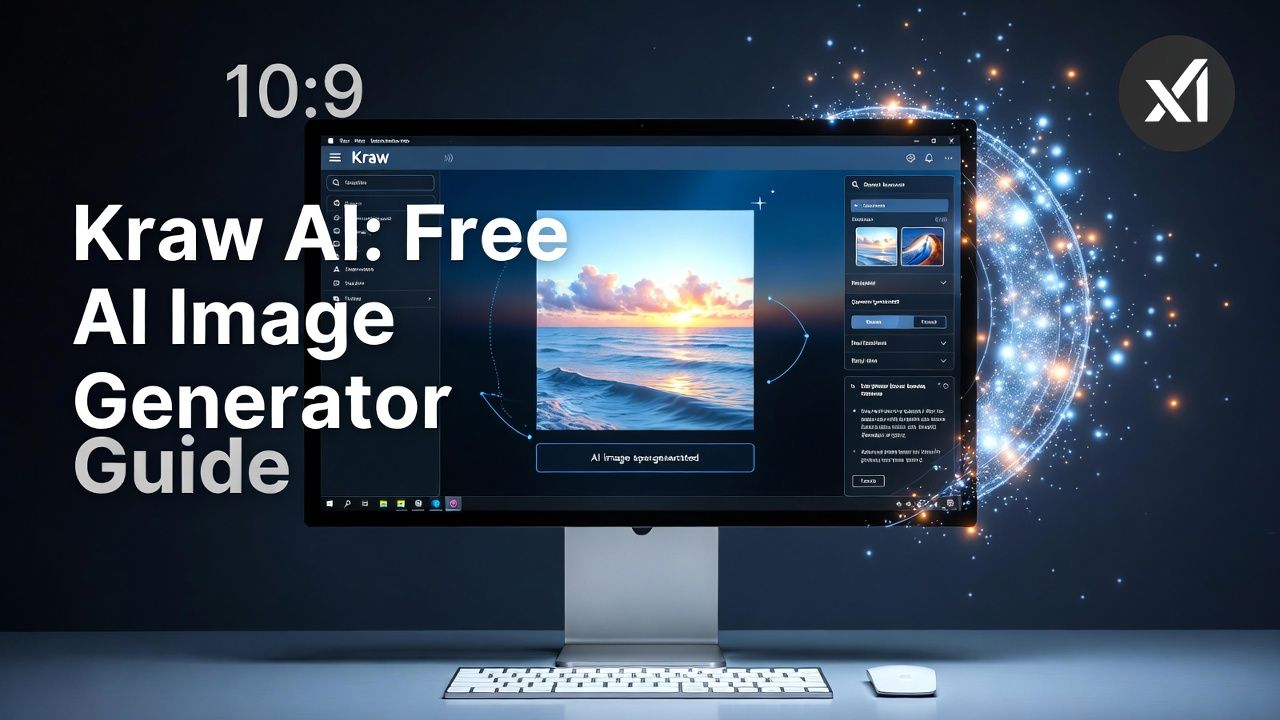
If you want to create AI images without going through a complicated signup process, Kraw AI is a tool worth knowing about. The platform describes itself as an AI image generator that lets users create images from text prompts, with no account required for its basic generation experience.
Kraw AI currently lists models including Grok Imagine and Z-Image Turbo, along with several image aspect ratios such as 1:1, 3:4, 16:9, and 9:16. Its website also promotes fast generation and a free experience, while additional features such as batch generation, image editing, and video are associated with its Pro offering.
For someone in the U.S. looking for a quick way to experiment with AI art, marketing images, social media graphics, or creative concepts, the main attraction is simplicity.
What Is Kraw AI?
Kraw AI is a web-based AI image generation platform. Users enter a text prompt describing the image they want, select an available model and aspect ratio, and generate an image.
The service’s homepage currently presents a simple interface where users can enter prompts and choose between models such as Grok Imagine and Z-Image Turbo. The site says its basic image generation does not require an account.
For example, a user could enter a prompt describing:
- A cinematic American city at sunset
- A realistic product advertisement
- A fantasy landscape
- A professional-looking portrait
- A YouTube thumbnail concept
- A social media background
- A futuristic technology scene
The quality of the final image depends heavily on the prompt, selected model, and the type of image being requested.
How Does Kraw AI Work?
Using Kraw AI is relatively straightforward.
1. Write a Prompt
Start by describing what you want the AI to create. Include useful details such as the subject, environment, lighting, camera style, composition, and aspect ratio.
Instead of writing:
A car
you could provide something more specific:
A realistic black sports car parked beside a modern glass building at sunset, cinematic photography, dramatic reflections, detailed environment, premium automotive advertisement.
The second prompt gives the image model considerably more information to work with.
2. Choose an AI Model
Kraw AI currently displays multiple model options, including Grok Imagine and Z-Image Turbo.
Different models can produce different visual results, so experimenting with the available choices can be useful.
3. Select an Aspect Ratio
The platform provides several image ratios, including:
- 1:1 — useful for square social media posts
- 3:4 — useful for portrait-oriented images
- 16:9 — suitable for YouTube thumbnails and website banners
- 9:16 — useful for TikTok, Reels, and Shorts-style vertical content
Choosing the correct ratio before generation can save time when creating content for a specific platform.
4. Generate the Image
After entering the prompt and selecting the desired settings, the user can generate the image.
The homepage currently advertises very fast generation for some models, although actual generation time can vary depending on the service and current demand.
Read More: Nerovet AI Dentistry: A Guide to AI Pet Dental Care
Kraw AI Features
Kraw AI’s appeal comes largely from its simple interface and image-generation options.
No-Signup Image Generation
One of the most notable features is that the basic service is presented as requiring no account or signup. The homepage explicitly promotes image generation without an account.
That makes it convenient for users who simply want to test an AI image generator without creating another online account.
Multiple AI Models
Kraw AI currently provides more than one image-generation model. The website lists Grok Imagine and Z-Image Turbo.
Having multiple models gives users an opportunity to compare different visual outputs.
Multiple Image Ratios
The platform supports common aspect ratios, which makes it more practical for different types of content.
For example, a 16:9 image can work well as a YouTube thumbnail or website banner, while 9:16 is better suited to vertical social content.
Batch Generation
Kraw AI also displays batch-generation options. The interface lists single-image generation and larger batch options, with some batch features marked as Pro.
Batch generation can be useful when you want several variations of a concept rather than repeatedly generating one image at a time.
Image Editing and Video
The website promotes additional capabilities such as image editing and video as part of its Pro offering. Availability and features can change, so users should check the current service before relying on a particular feature.
Is Kraw AI Free?
Kraw AI’s homepage currently advertises its basic image-generation experience as free, with no account required.
However, users should distinguish between the basic generator and premium functionality. The interface identifies certain batch-generation options and additional features as Pro.
Pricing and feature availability can change over time, so it is better to check Kraw AI directly before assuming that a particular feature will remain free.
What Can You Create With Kraw AI?
The tool can be useful for a wide range of creative projects.
Content Creation
Bloggers and social media creators can use AI-generated visuals for concepts, backgrounds, illustrations, and promotional material.
For example, a technology website could generate a futuristic computer workstation for an article about artificial intelligence.
YouTube Thumbnails
The 16:9 option is particularly relevant to YouTube creators. A detailed prompt can be used to create a cinematic background or visual concept that can later be combined with text in an image editor.
Social Media Images
Creators making Instagram posts, Facebook content, or other social media graphics can choose an appropriate image ratio and generate visuals around a specific topic.
Website Graphics
AI-generated backgrounds and conceptual images can also be useful for websites, landing pages, blog articles, and promotional campaigns.
The generated image should still be reviewed carefully before publication, particularly when it contains people, products, logos, signs, or text.
How to Write Better Kraw AI Prompts
The quality of your prompt can make a major difference.
A useful prompt usually describes five things:
- Subject — what should appear?
- Environment — where is it?
- Style — realistic, cinematic, editorial, illustration, etc.
- Lighting — daylight, studio lighting, sunset, dramatic lighting, and so on.
- Composition — close-up, wide shot, centered subject, space for text, etc.
For example:
A realistic golden retriever sitting beside a modern fireplace in a luxury American home, warm evening lighting, professional interior photography, natural colors, detailed fur, wide composition, empty space on the right for website text.
This is more useful than simply asking for “a dog in a house.”
Kraw AI for YouTube Creators
Kraw AI may be particularly interesting for creators who need a large number of visual concepts.
A creator could use it to generate:
- YouTube thumbnail backgrounds
- Documentary scenes
- Historical recreations
- Storytelling visuals
- Shorts backgrounds
- Technology illustrations
- Product concepts
- Channel artwork
For thumbnails, it is usually better to generate the visual without attempting to create complex title text inside the image. Text can then be added separately using software such as Canva, Photoshop, or another editor.
This gives the creator more control over typography and layout.
Advantages of Kraw AI
Several characteristics make Kraw AI convenient for experimentation.
Simple interface: The platform focuses directly on image generation rather than requiring users to navigate a complicated workflow.
No-signup access: The site currently promotes basic generation without requiring an account.
Multiple models: Users can experiment with different generation models from the same interface.
Useful aspect ratios: Common horizontal, square, and vertical formats are available.
Fast experimentation: Users can quickly test different prompts and compare results.
Limitations and Things to Consider
Kraw AI is still a relatively new service, and users should not assume that every advertised capability will always be available.
The site’s terms state that the service is provided without warranties and that uninterrupted availability is not guaranteed. The terms also place responsibility on users to ensure that their prompts and generated content do not violate third-party rights.
The privacy policy says the service may collect usage information such as prompts, selected models, and generation counts, along with technical information including browser, IP address, and device data for purposes such as analytics and abuse prevention.
That means users should think carefully before entering sensitive or confidential information into prompts.
Another consideration is output accuracy. Like other generative AI systems, image generators can make mistakes, especially with detailed text, hands, unusual objects, complex scenes, or precise product designs.
Is Kraw AI Safe to Use?
There are two separate questions here: technical website safety and whether generated content is appropriate to use.
Kraw AI’s own terms say users must use the service lawfully and prohibit categories such as harmful content, illegal activity, certain deceptive content, and sexually explicit content involving minors.
The site’s privacy policy also explains how it says usage and technical information are handled.
However, users should still apply normal online-service precautions. Avoid submitting passwords, private documents, confidential business information, or sensitive personal data into an AI image prompt.
If you plan to use generated images commercially, review the platform’s current terms and intellectual-property provisions first.
Kraw AI vs. Traditional Image Creation
Traditional image creation may require photography equipment, graphic design software, stock-image subscriptions, or an illustrator.
AI generation changes that workflow. Instead of starting with an existing photograph, a creator can describe an idea and generate a visual concept.
That does not make traditional photography or design obsolete. Professional projects often require precise branding, consistent characters, accurate products, and complete creative control—areas where conventional tools may still be preferable.
For quick experimentation and concept development, however, AI image generation can significantly reduce the time needed to produce an initial visual.
Should You Try Kraw AI?
Kraw AI is mainly interesting for users who want a straightforward way to experiment with AI-generated images. Its current interface emphasizes free, no-signup image generation, multiple models, and common aspect ratios.
It can be useful for bloggers, YouTube creators, social media users, designers, and anyone who wants to turn a written idea into an image.
The best approach is to treat it as a creative tool rather than a source of perfectly accurate images. Write specific prompts, compare different generations, check the final result carefully, and review the current terms before using images commercially.
FAQs
What is Kraw AI?
Kraw AI is a web-based AI image generator that lets users create images from text prompts. Its website currently lists models including Grok Imagine and Z-Image Turbo.
Is Kraw AI free?
The basic Kraw AI image generator is currently advertised as free and available without signup. Some additional features, including certain batch-generation options, are associated with Pro.
Does Kraw AI require an account?
The website currently says users can generate images without an account or signup.
Can I use Kraw AI for YouTube thumbnails?
Yes, its 16:9 image ratio can be useful for YouTube thumbnail designs. You can generate the background with Kraw AI and add the thumbnail text separately in an image editor.
Does Kraw AI generate videos?
The platform currently promotes video as an additional feature associated with its Pro offering. Feature availability can change, so check the current Kraw AI interface before relying on it.
Suggested Image Alt Text
- Kraw AI interface showing an AI-generated image
- Kraw AI text-to-image generator with creative prompt
- AI-generated cinematic artwork created with Kraw AI
- Kraw AI image generation interface with different aspect ratios
Conclusion
Kraw AI offers a simple approach to AI image generation, with its current website providing free, no-signup image generation and access to models such as Grok Imagine and Z-Image Turbo.
For creators, bloggers, and social media users, the biggest advantage is the ability to turn a written concept into a visual quickly. Just remember to review generated images carefully and check the current terms and privacy information before using the service for professional or commercial projects.
